How to check the print status of your driving license online in Nepal?
All people must have driving license to drive vehicles in Nepal. Have you applied for a driving license, provided biometrics and also given written and trial exam? Did you pass the exam? If yes, you can check the status of your driving license online. Here is how you can do it.
Is my driving license printed?
It usually takes around 1 year before your driving license is printed. That has always been the case in Nepal. But though policies are being updated, there is real struggle to get it implemented for various reasons. So, before you go to the Transportation Office please check the status of license print to avoid unnecessary struggle.
What do I need to check the status of my driving license? (Requirements)
You need to have the following information to check the status of your driving license online.
- Your full name
- Driving License number
You can find your Driving License Number in the receipt you got after passing the trial exam. This is the same receipt you use to in place of driving license until you get the real one (smart driving license).
How to check if my driving license is printed?
You can check the status of your driving license online. Here is how you can do it.
- Go to the Department of Transport Management website. Here is a direct link to the page where you can check the status of your driving license.
https://dotm.gov.np/DrivingLicense/SearchLicense - Enter your full name
- Enter your driving license number with proper dashes.
- Click on the Check Status button.
Should I visit the Transport Office to get my driving license now?
Following the above steps what result did you get? Let me explain what each result means.
No data available in table:
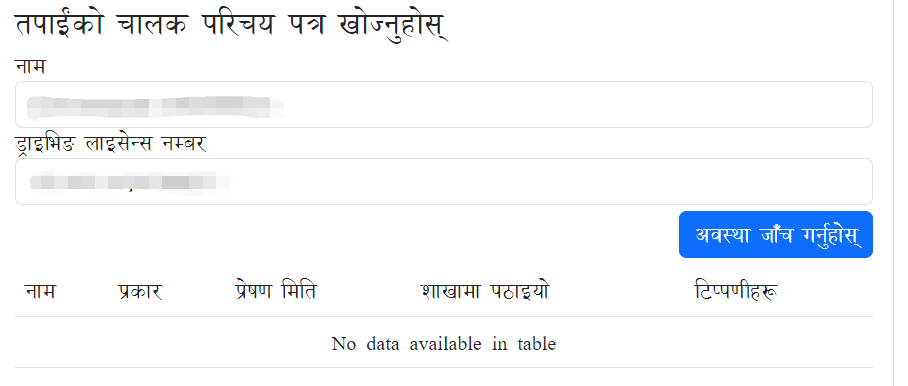 This means your driving license is not printed yet. You need to wait for some more time. It usually takes around 1 year before your driving license is printed. But it can take more time due to various reasons. Once it is printed, your record will be available in the table.
Data available in table:
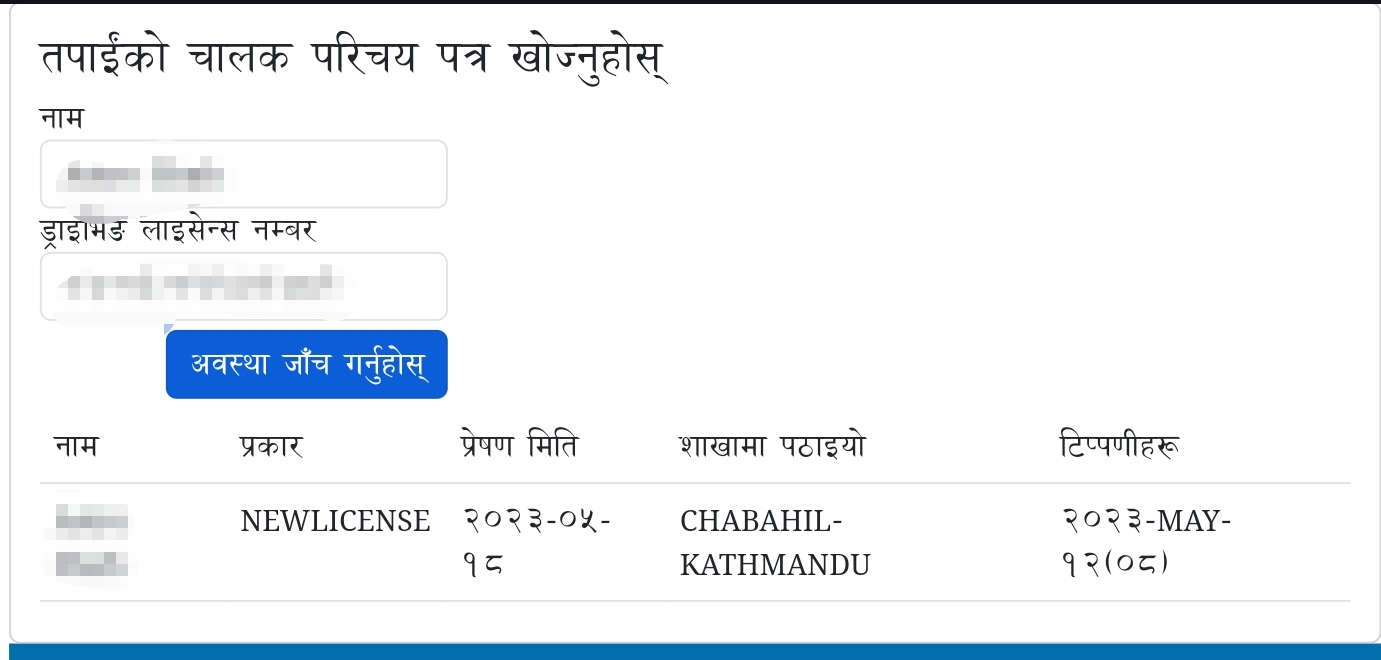 If you get the result like this screenshot, this means your driving license is printed. Double check in the table whether your license is sent to the branch where you applied for license or not.
In most cases, you will receive an SMS ✉️ from the Transport Office when your driving license is printed. This means your license is 100% printed and sent to the office. So, it is better to wait for SMS.
But sometimes, you may not receive the SMS even after your record appeared in the website a long time. In such cases, you can visit the Transport Office to check if your driving license has already arrived. The same happened in my case as well. I didn't receive the SMS but it was in the website, and my license was already printed and sent to the office.
What documents do I need to take to the Transport Office?
If your license is printed, you can visit the Transport Office to get your driving license. But what documents should you take with you?
- You need to carry the receipt/bill that you got after passing the trial exam with you. This is compulsory.
- You can also take your original and/or copy of citizenship card with you. (Just in case they ask for it).
Bonus tips 🎉
Do you want to see what your smart driving license will look like when it is printed? Yes, you can see it online. This will help you check Smart Card Driving License Details. Here is how you can do it.
- Visit this page to check the details of your smart driving license.
https://applydlnew.dotm.gov.np/licensecheck - Enter your Date of Birth in the format YYYY-MM-DD. It should be entered in AD not BS.
- Then enter your driving license number.
- Enter the captcha code.
- Click on the Search License button.
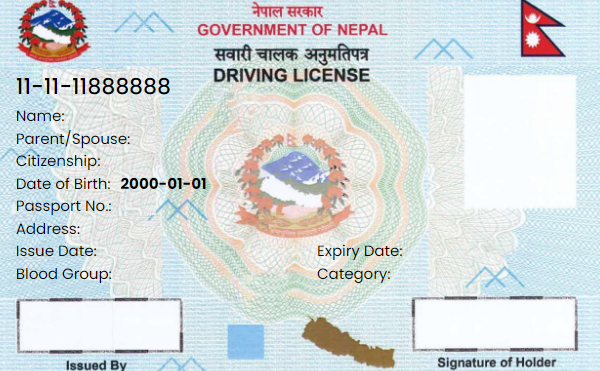
Then you will see the details of your smart driving license. You can also see the photo of your driving license. This is how your driving license will look like when it is printed.
Sample:
That's it. You can now check the status of your driving license online. If you have any questions, feel free to ask in the comments below.